
Less chaos. More done.
todoa is a minimalist mobile app that connects todos, notes, shared dashboards, and AI chat into one natural daily workflow.
Stay with us
One app for tasks, notes, and daily overview
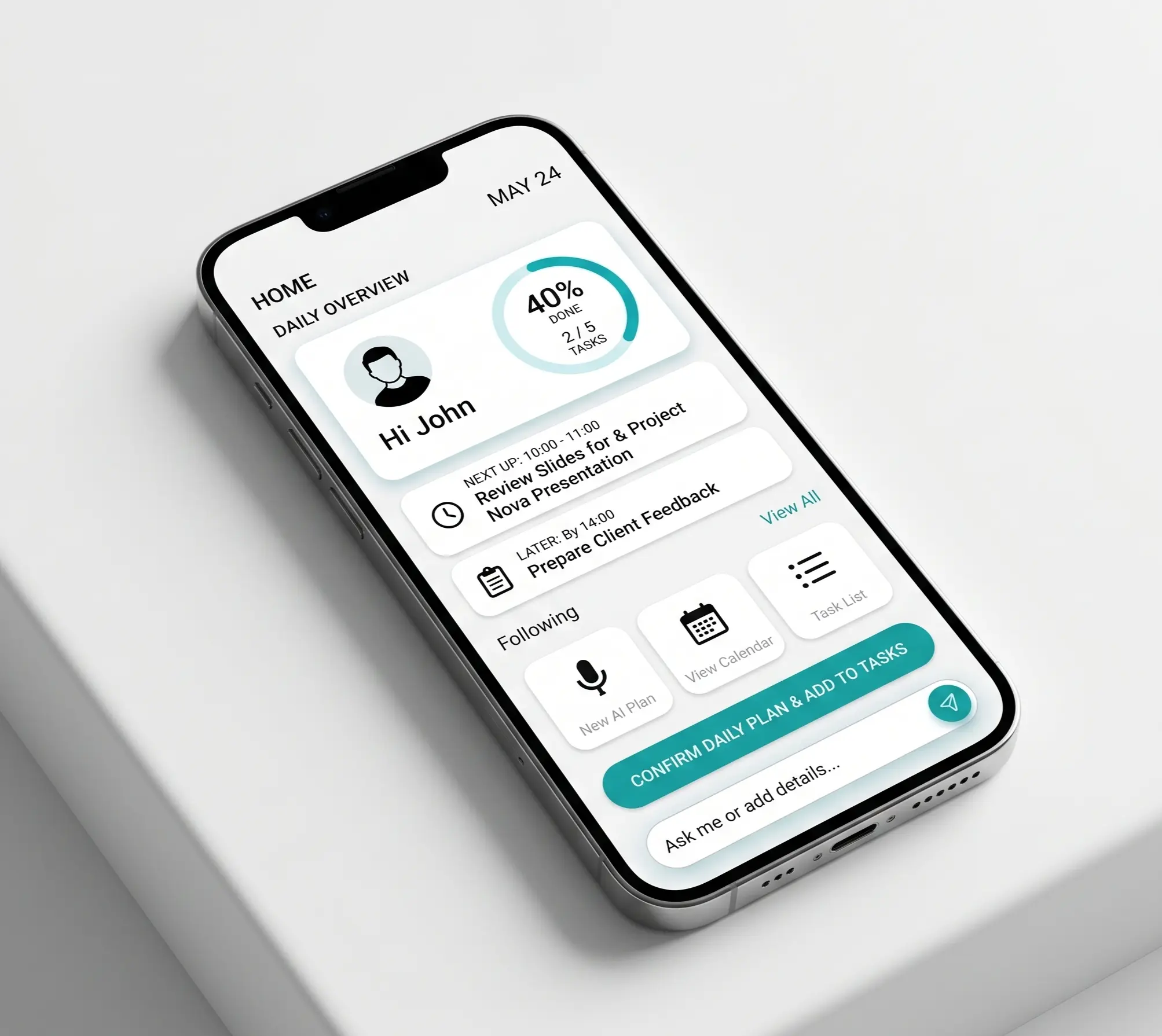
todoa was created for people who want simplicity without compromising on capability. Instead of switching between multiple tools, it keeps todos, notes, and dashboards together in one clean space.
The product is designed mobile-first with a visually calm aesthetic. You open it in the morning, during the day, and in the evening without it feeling like another noisy work tool. It’s meant to help your personal rhythm, not complicate it.
AI that understands context, not just a chatbot
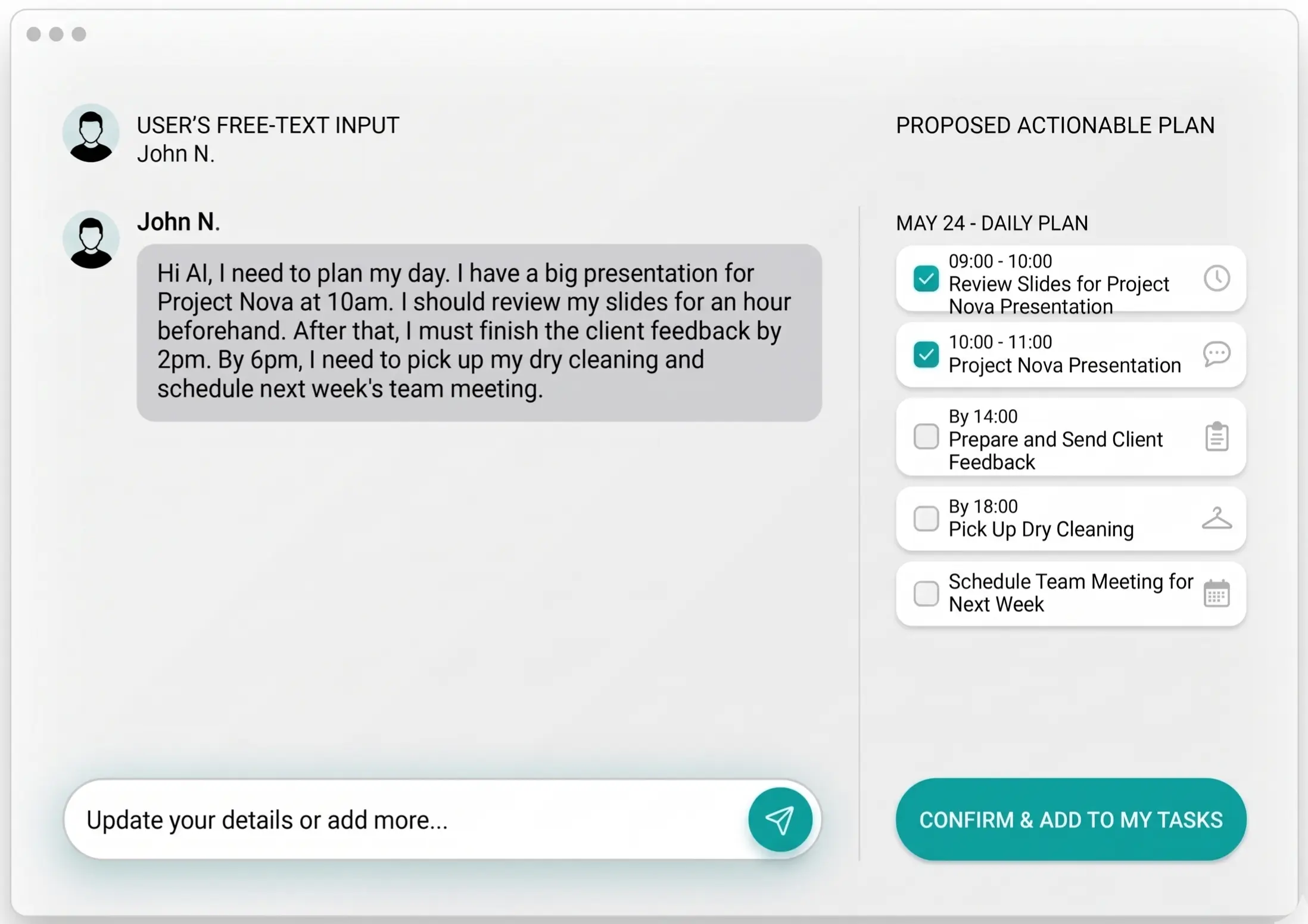
The strength of todoa lies in its AI-native layer. Users enter an idea via text or voice, and the app converts it into concrete steps, notes, and a work plan. A vague intention quickly becomes a structure that is actually usable.
AI in todoa isn't just tacked on. It’s part of the product from the ground up, including change suggestions, write-action confirmations, and natural chat over your own data. This makes it feel like a capable assistant rather than a marketing add-on.
- daily planning and task breakdown from a single sentence
- suggestions before confirmation instead of opaque automated actions
- working across your notes, tasks, and dashboards in one flow
Key benefits that make todoa different
At first glance, todoa seems simple. Under the surface, however, it combines several capabilities that standard todo apps usually don't offer together.
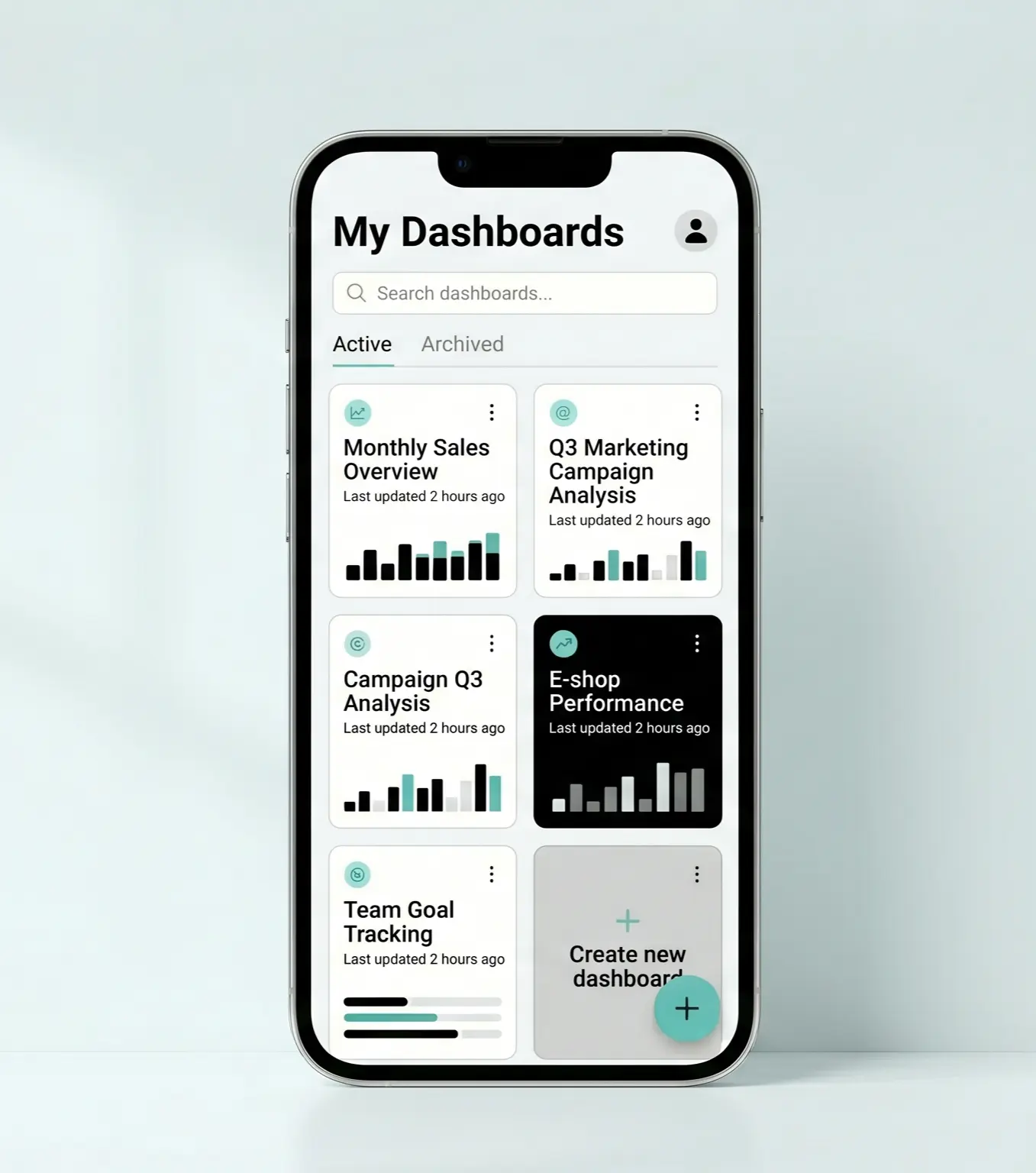
Dashboards over chaos
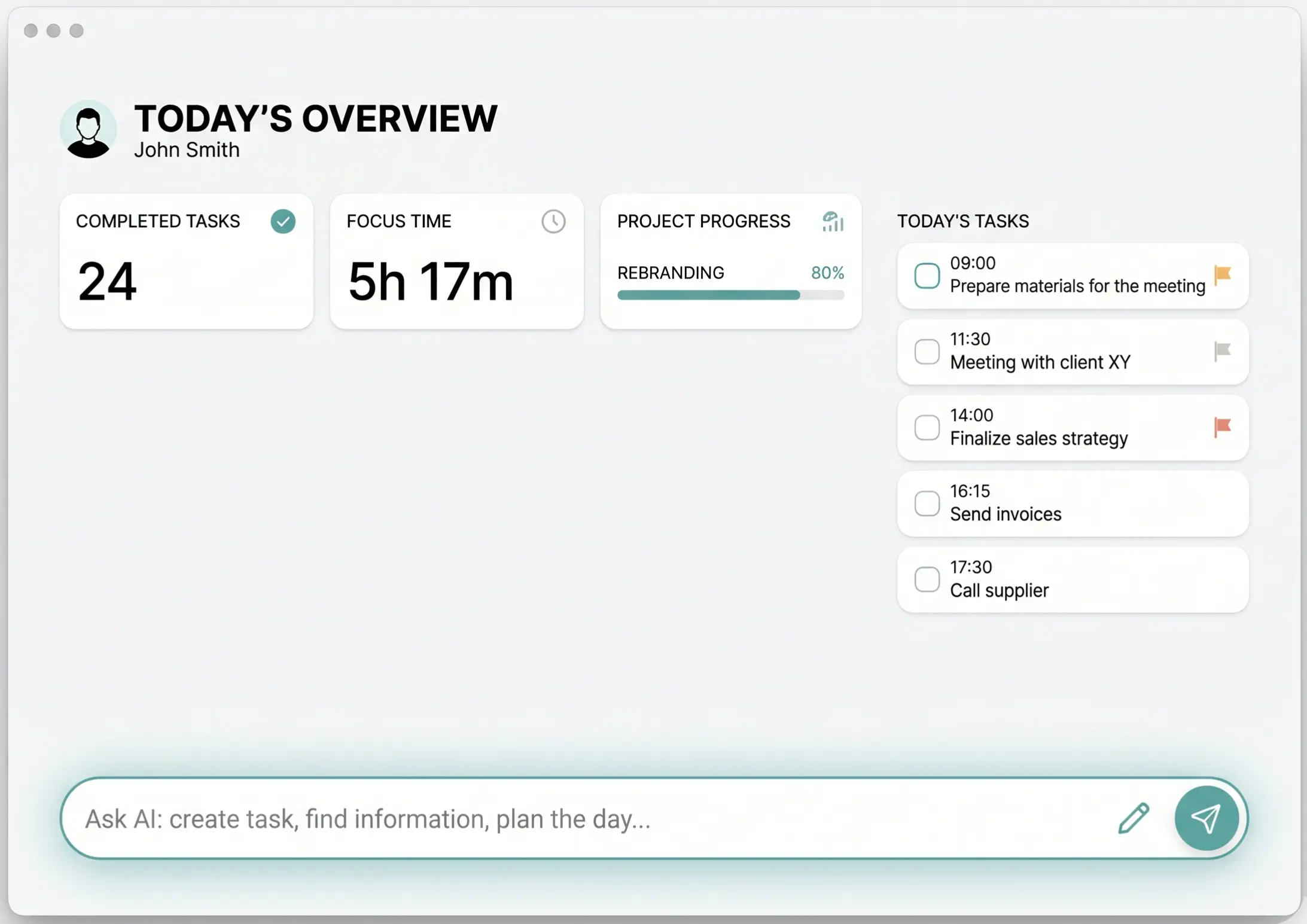
Thematic dashboards hold together specific areas of life, such as today, household, work, or long-term goals.
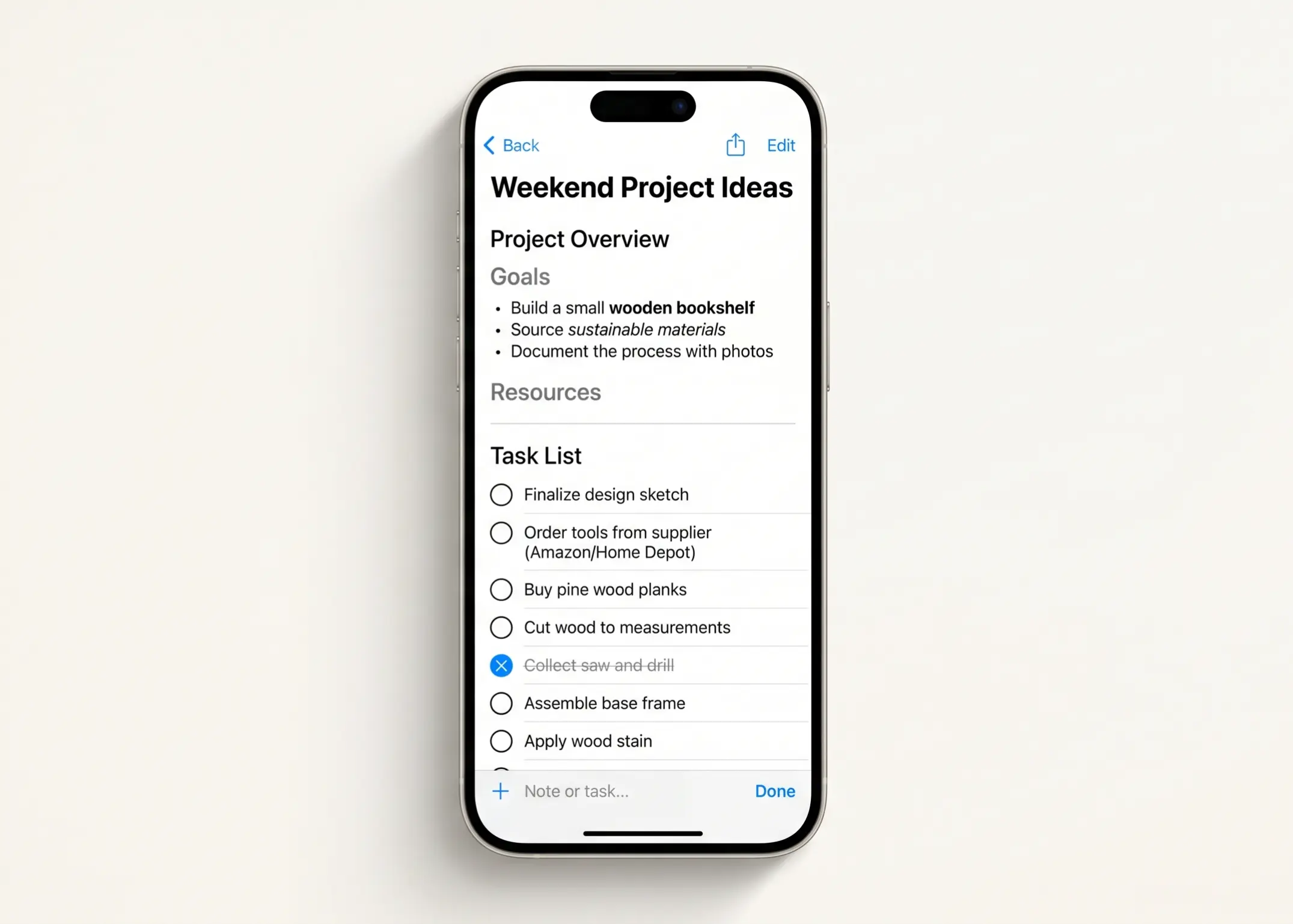
Todos and notes side-by-side
Tasks and related notes belong in the same context, making planning and finding information instantly logical.
Mobile as the primary environment
The entire UX is designed from the start for fast use on a phone, not as a scaled-down desktop compromise.
Sharing without overcomplication
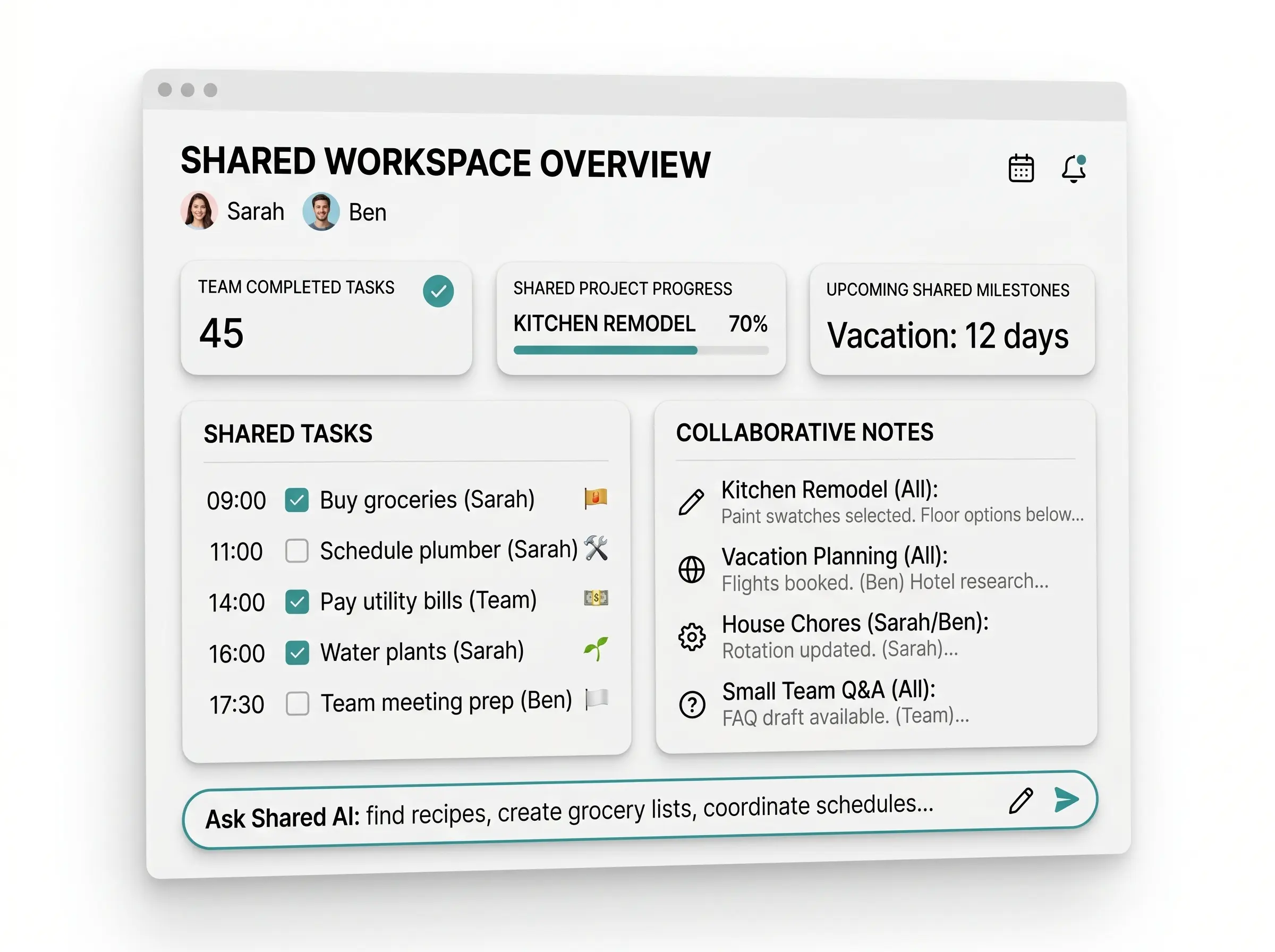
Easily share a dashboard with a partner, family, or a few collaborators without enterprise overhead.
MCP Ready
todoa is built from the ground up to work with ChatGPT, Codex, and Claude via the MCP interface.
Natural input to work
Instead of manual typing, just say what you need. The app suggests specific steps you can confirm immediately.
Shared dashboards for home, relationships, or small teams
The beta version is designed as an individual-first product, but it incorporates sharing where it makes the most sense—at the dashboard level rather than across entire workspaces.
This means you can maintain your own personal system while sharing things like groceries, family chores, travel plans, or a joint project. Everyone sees what they need to, and the shared space remains organized.
- owner, editor, and viewer roles based on simple rules
- shared chat and content linked to a specific dashboard
- suitable for solo mode or light collaboration
A product that works outside its own app
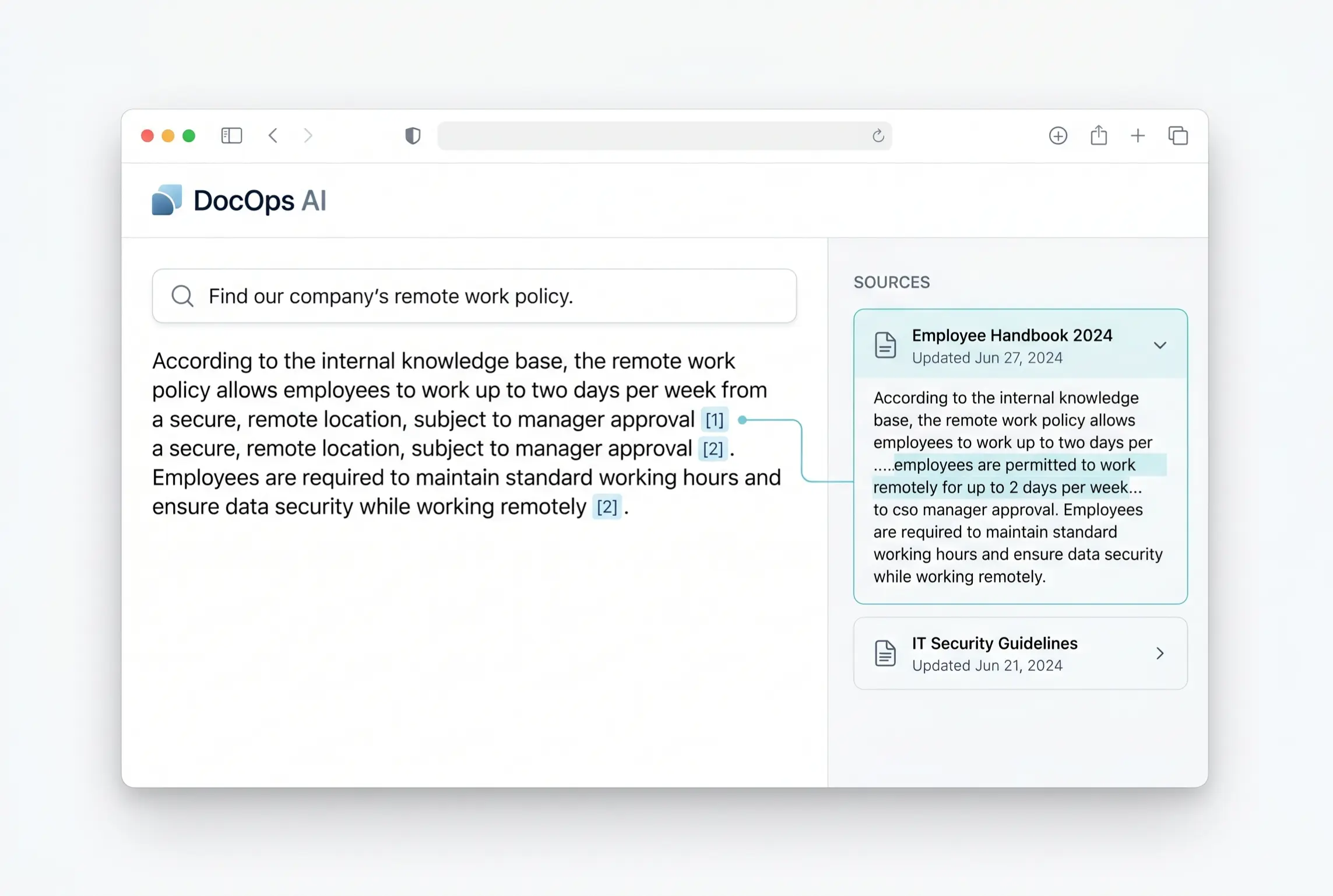
todoa is not a closed island. Thanks to the MCP architecture, it can be controlled from external AI clients like ChatGPT, Codex, or Claude. Users can work wherever it makes the most sense at that moment.
This openness is crucial for the future. todoa doesn't limit itself to one style of use; it can be your daily driver or a reliable layer operated by an agent.
“todoa is built for the moments when you don't want another system. You just want to calmly open an app, get oriented quickly, and get back to what’s truly important.”— todoa Product Vision
Gallery
EXPLORE
Keep Exploring
Dive deeper into our services, learn about open positions, and review the policies that guide our work.